> For the complete documentation index, see [llms.txt](https://saisen.gitbook.io/saisen-docs/llms.txt). Markdown versions of documentation pages are available by appending `.md` to page URLs; this page is available as [Markdown](https://saisen.gitbook.io/saisen-docs/saisen-guide/how-to-play-saisen.md).
# How to Play Saisen
Follow these quick steps to jump into the ritual.
### 1. Connect Your Wallet
* Open the Saisen dApp.
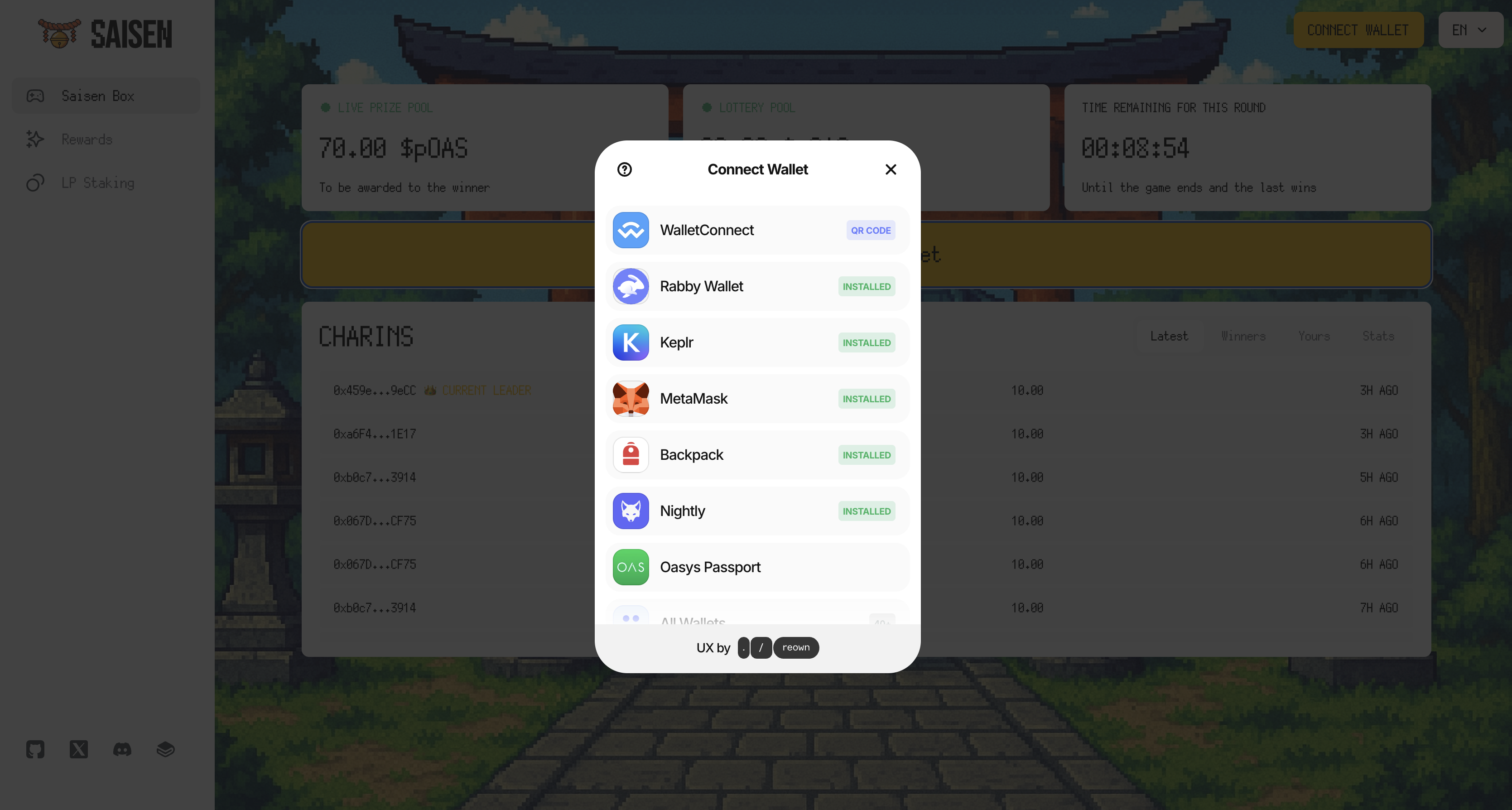
* Click **“Connect Wallet.”**
* Select a wallet that supports the Oasys L1 network (e.g. Metamask, Rabby, etc.).
{% hint style="info" %}
**Tip:** Make sure your wallet holds pOAS or OAS. Need tokens? Swap on [GamingDEX](https://www.gaming-dex.com/#/oasys/swap).
{% endhint %}
### (1-a. How to Play Saisen with Oasys Passport on PC)
* Open the Saisen dApp.
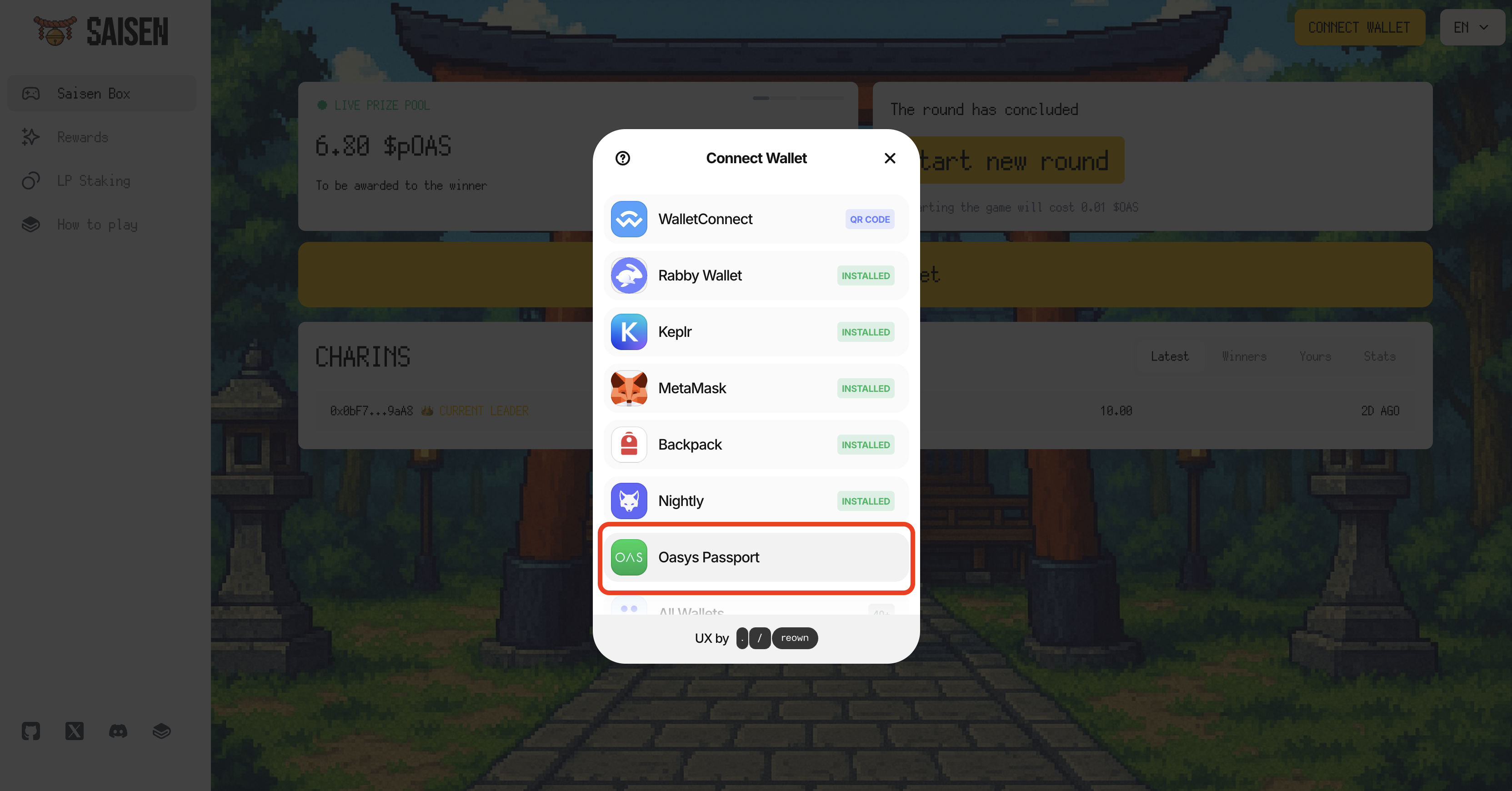
* Click "Connect Wallet" & Select "Oasys Passport"
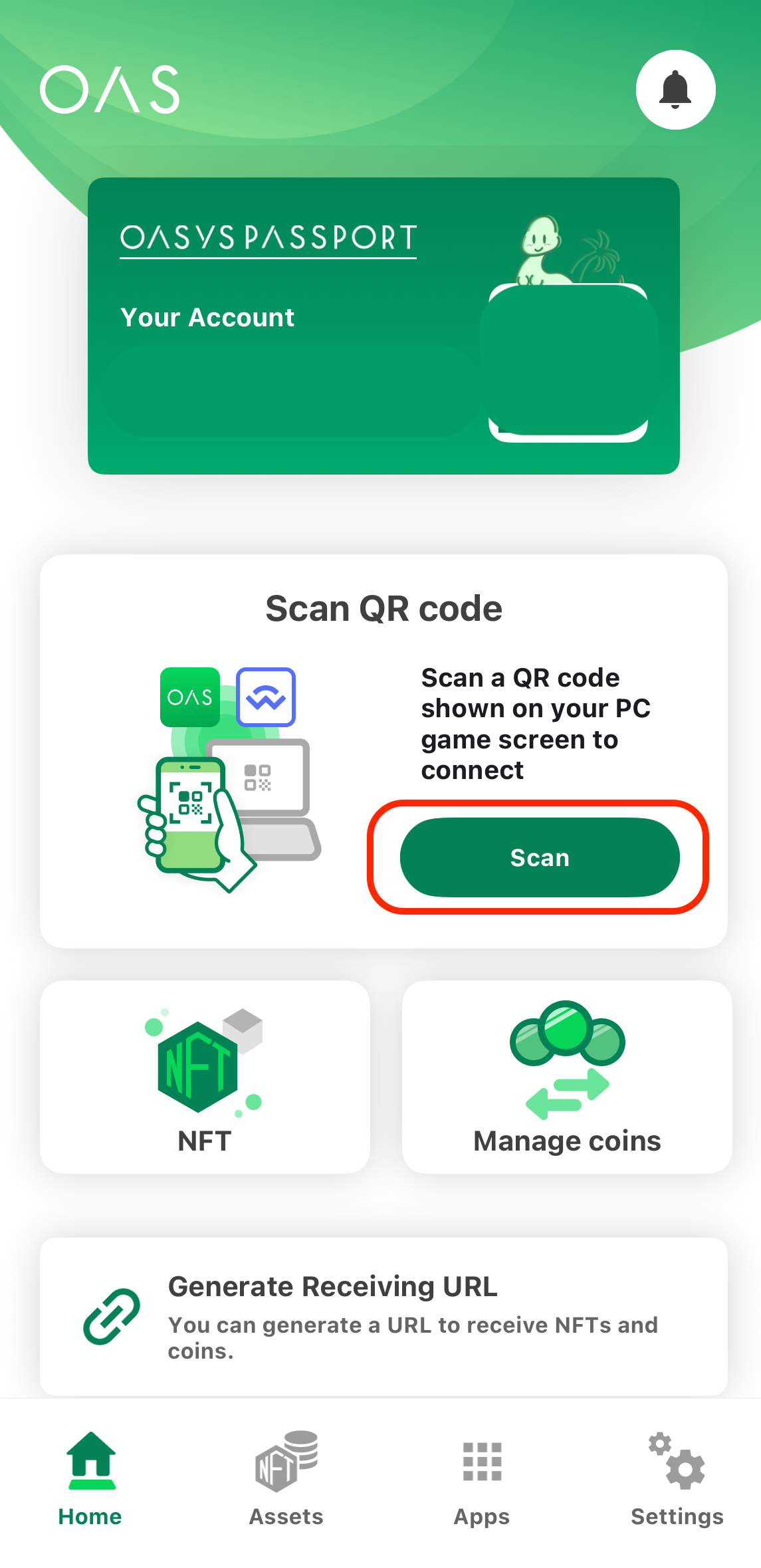
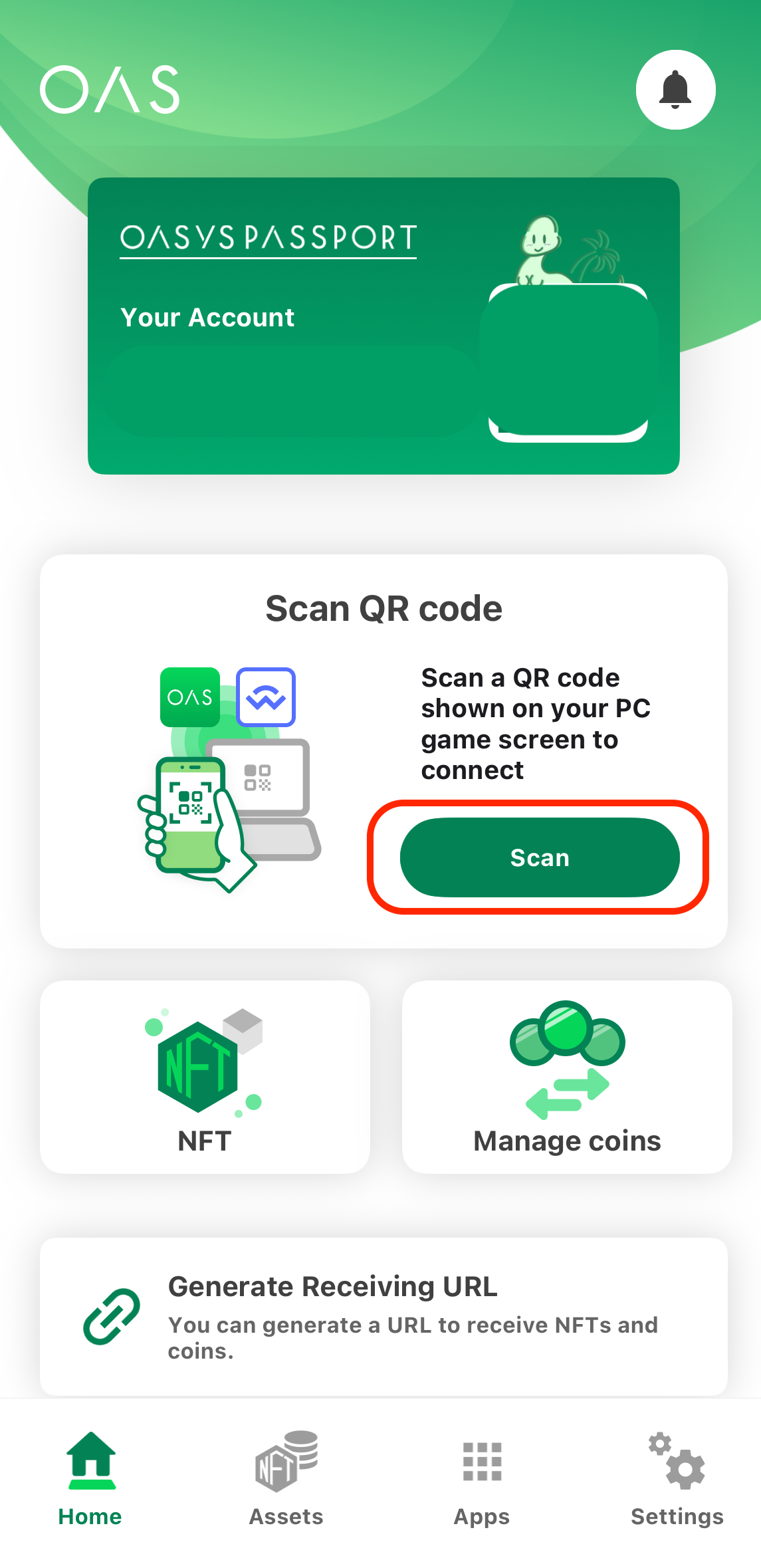
* Open Oasys Passport on your phone & Scan QR code
* Click "Connect" on Oasys Passport
### (1-b. How to Play Saisen on Oasys Passport mobile App)
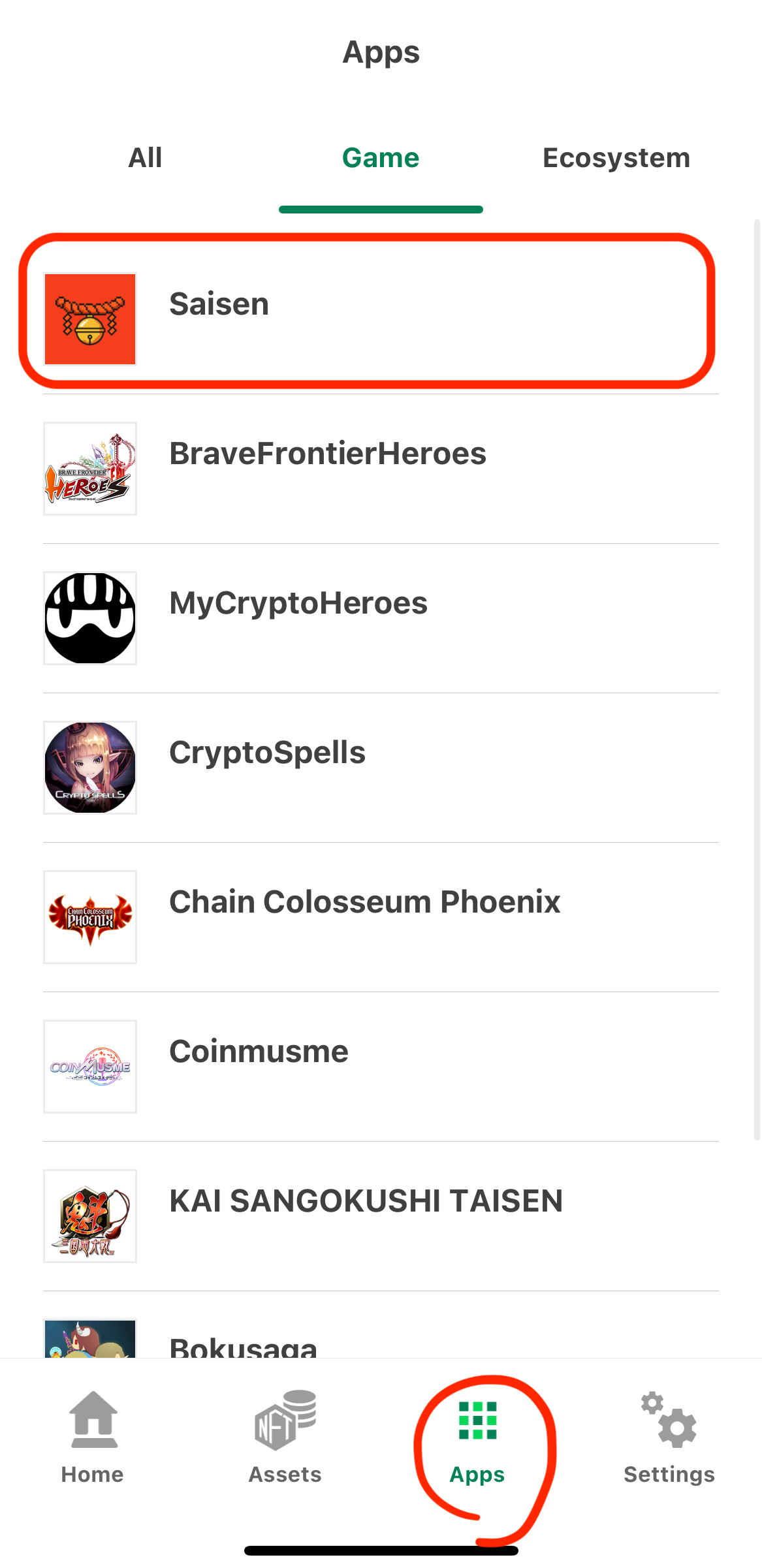
* Select "Saisen" on "Apps" tab
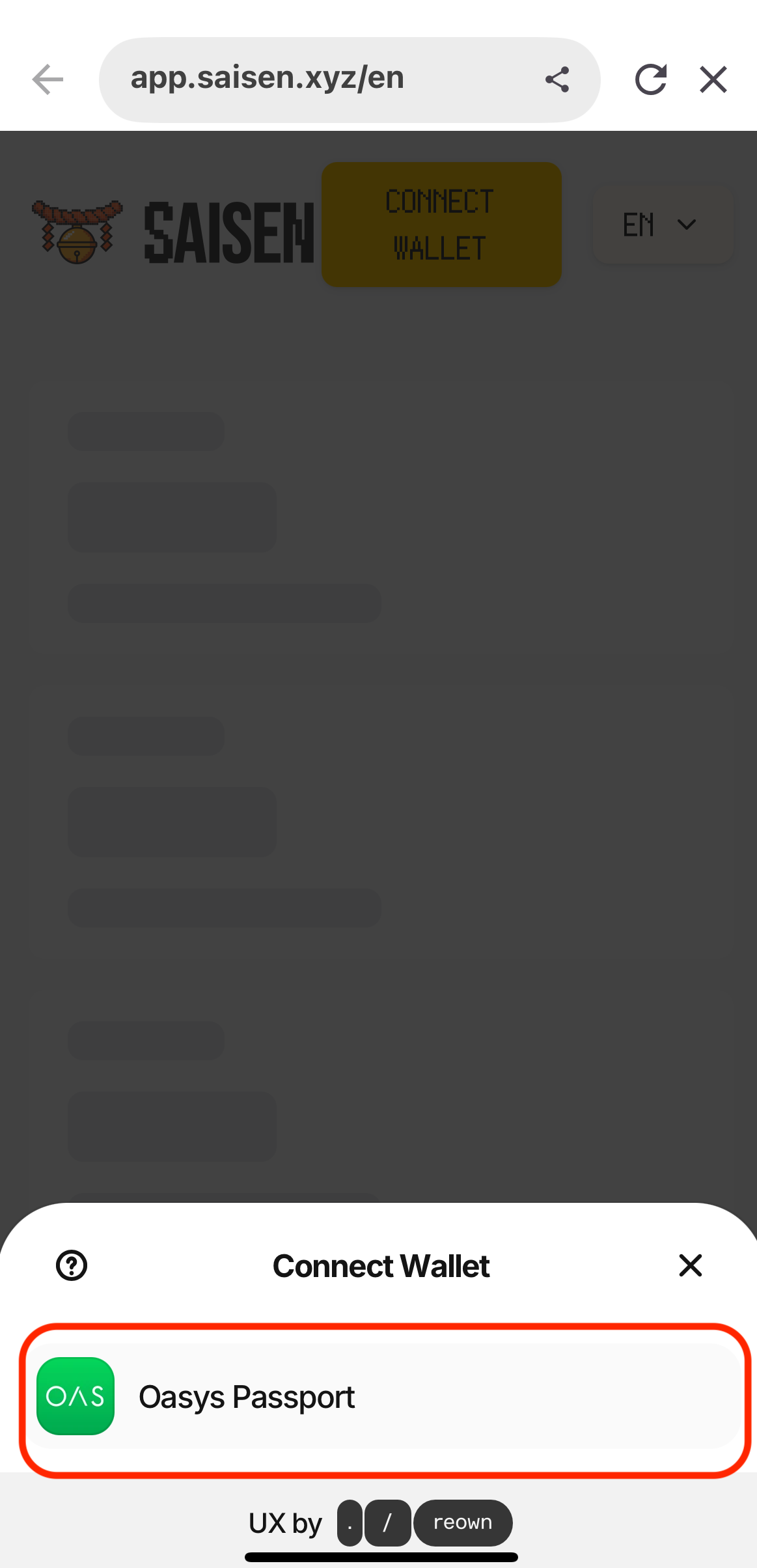
* Click "Oasys Passport"
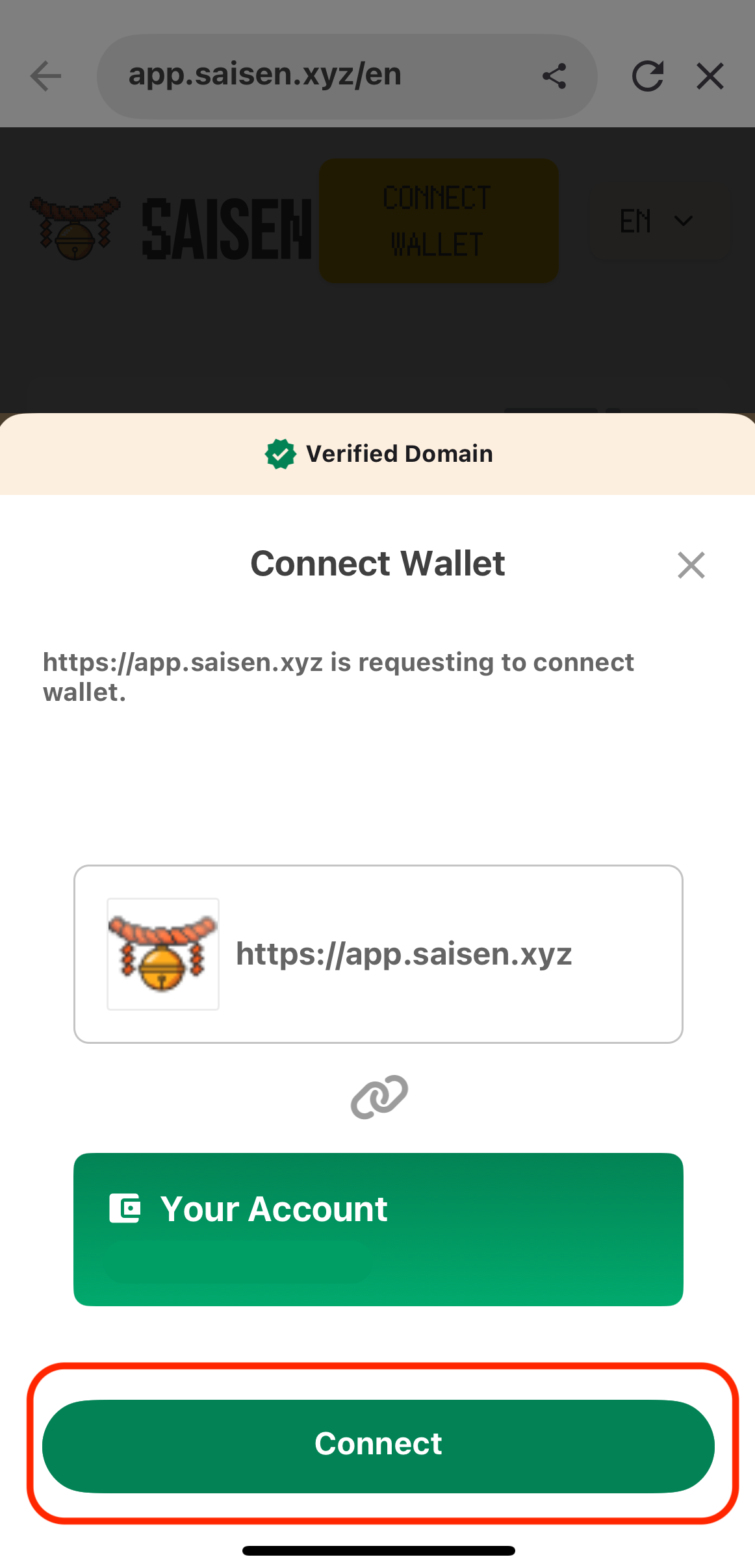
* Click "Connect"
### 2. Charin (Place a bid)
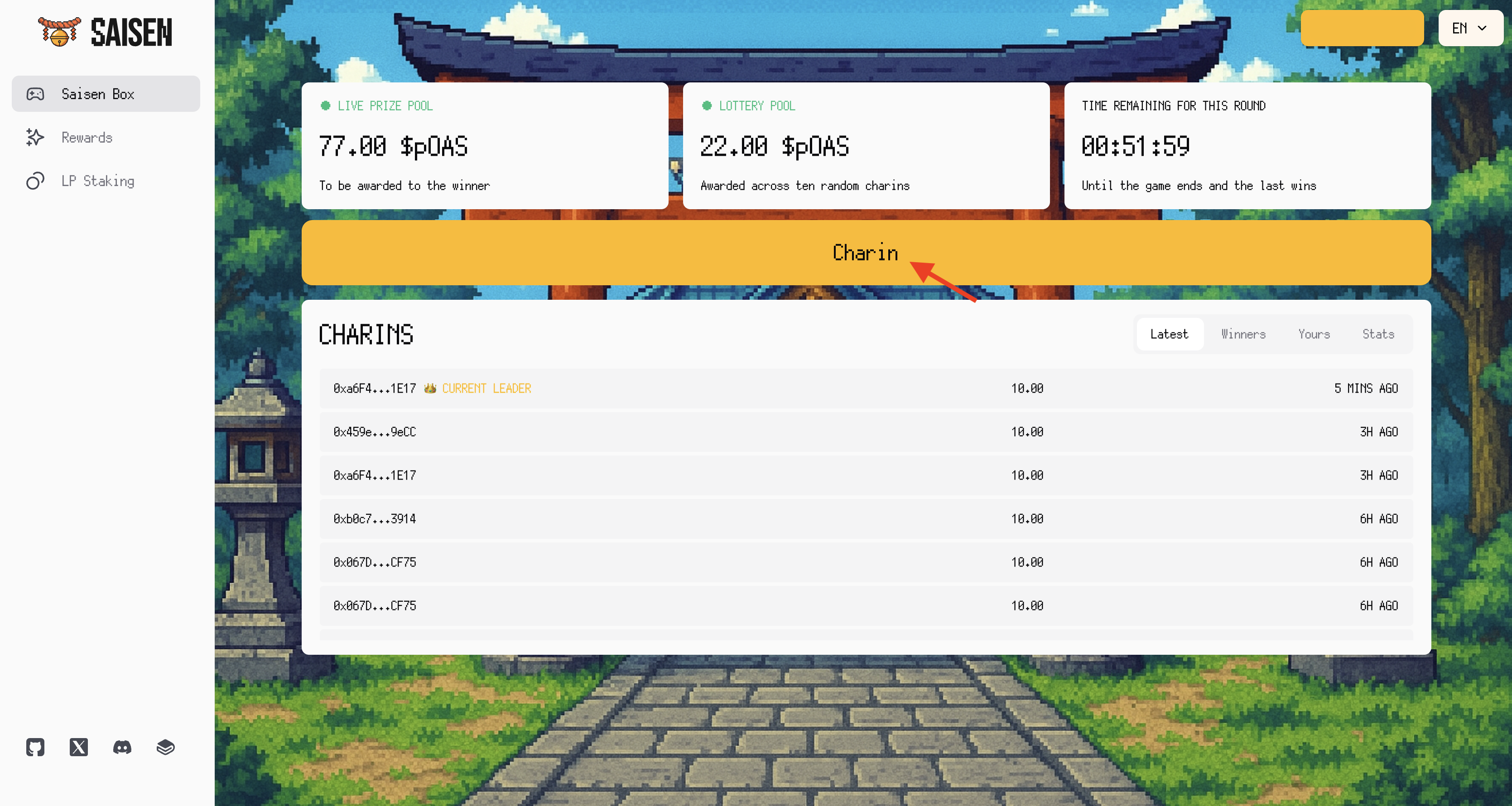
* Click **“Charin”**
* Enter the amount (pOAS or OAS)
* Every 10 (p)OAS bid you place gives you the ticket for lottery pool.
#### In the Bootstrap Phase (the first 24 hours)
* **Bid ≥ 10 (p)OAS.**
* The timer keeps counting—no one can win during these first 24 hours.
#### In the Main Game Phase
* **Minimum bid** = 0.5 % of the current pool.
* Each new bid **resets the 1-hour timer**.
### 3. Track Game Status
Four numbers tell you everything at a glance:
* **Live Prize Pool** – How much the last bidder will take if the round ends now.
* **Lottery Pool** – The pot for the 10 random winners.
* **Time Remaining for This Round** – Countdown to 0:00. When it hits zero with no new bids, the round ends.
* **Charins** – Real‑time feed of the latest bids; the crown marks the current leader.
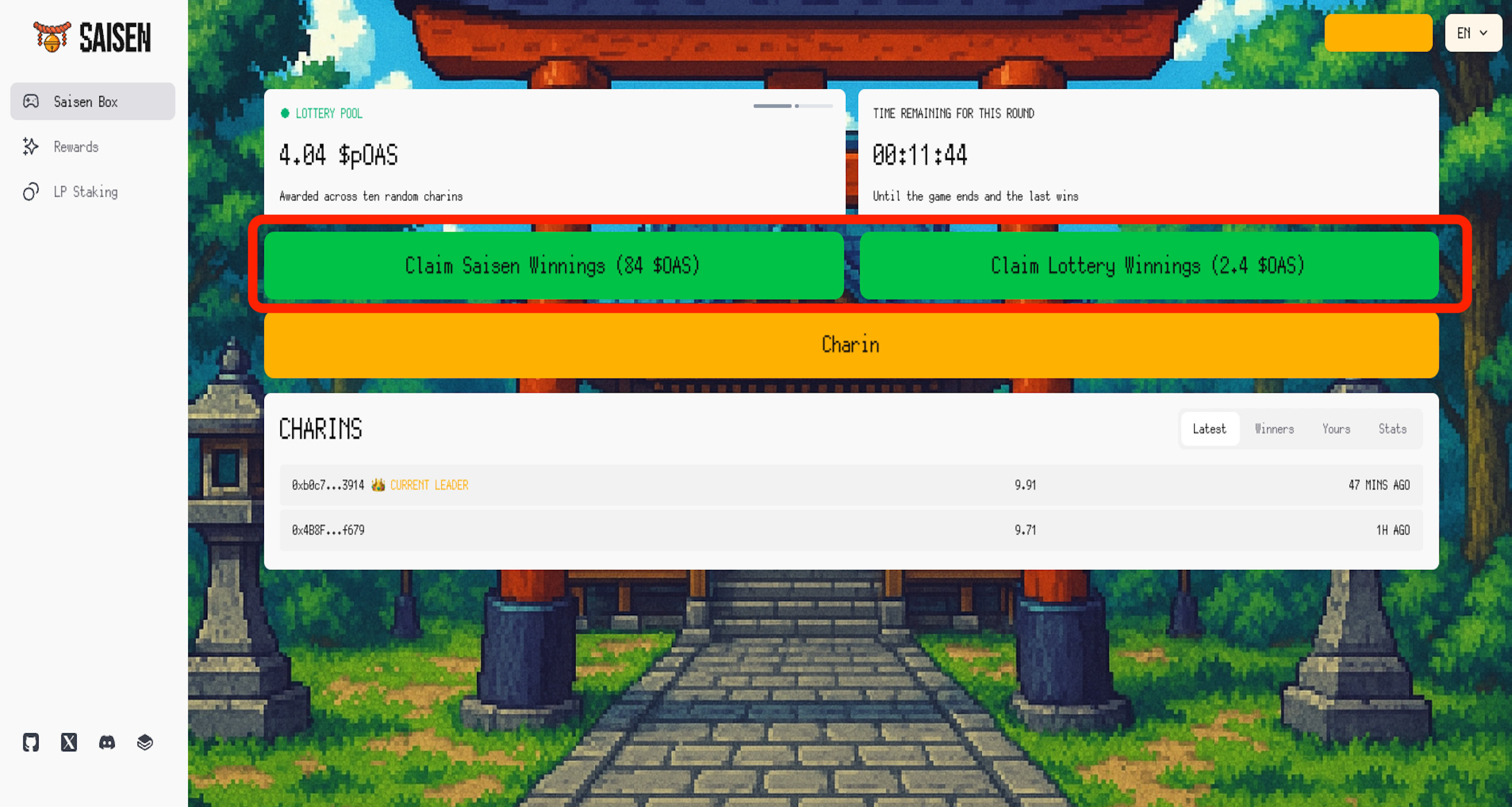
### 4. Claim Prize
* When the timer hits 0 with no new bids:
* **68%** of the pool goes to the **last bidder**.
* **20%** is equally distributed among **10 randomly selected past bids**.
* A **12% House Edge** is taken:
* **8%** is distributed to **SAISN‑OAS LP stakers**.
* **4%** goes to the **Treasury**.
* Click **“Claim”** to receive pOAS